VRtor

Learn by doing in VR, right in your browser.

In your headset's browser, go to

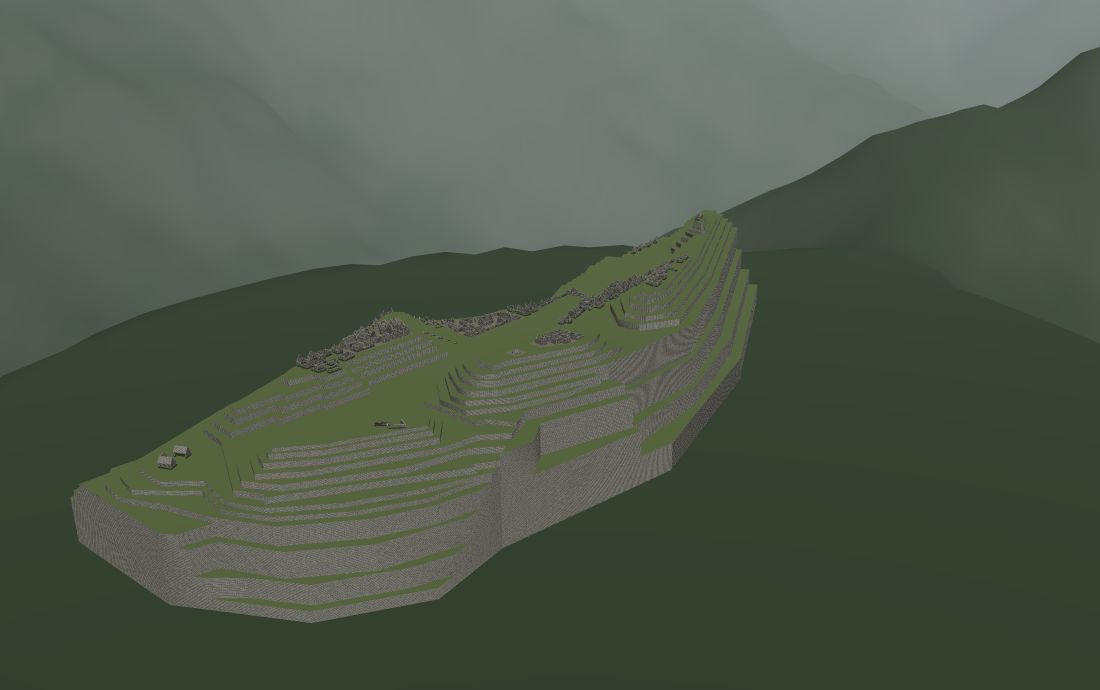
vrtor.io/mpc

Every subject is its own 3D experience, free to explore. No app store, nothing to install.

Communication: a coffee chat vrtor.io/com

What do you want to learn?

Each subject is three letters after vrtor.io/, so it's quick to type with a controller.

More to explore

Free to explore. AI when it helps.

Not everything needs AI. The 3D experiences stand on their own.

Free

  • Every 3D experience, in any headset browser
  • Labels that explain what you're looking at
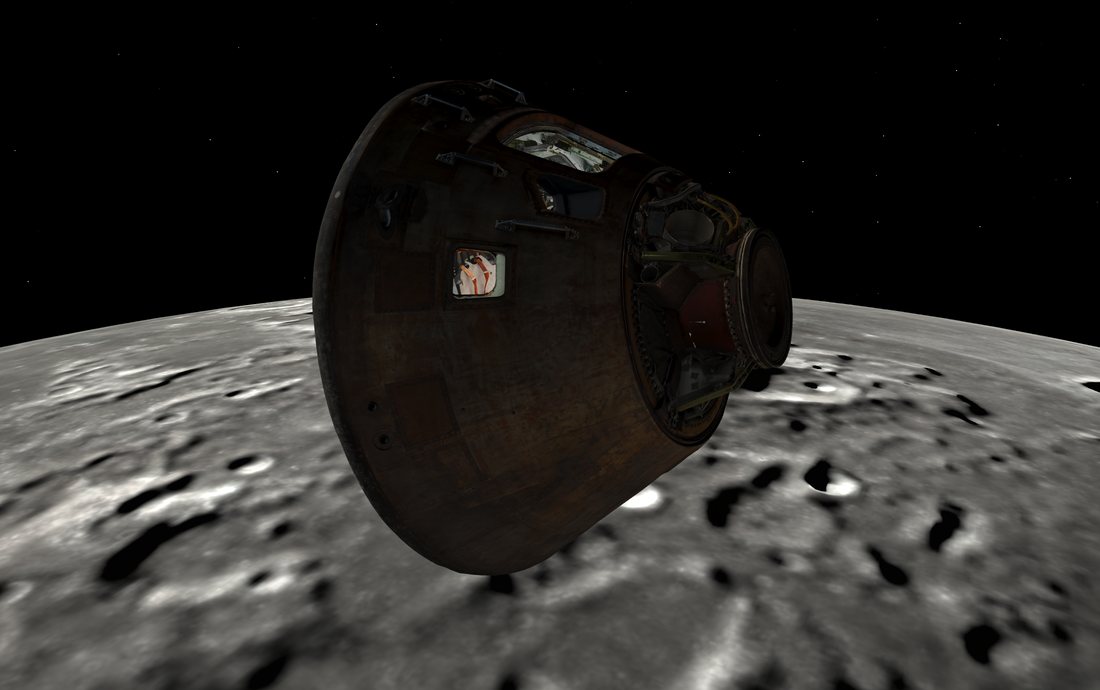
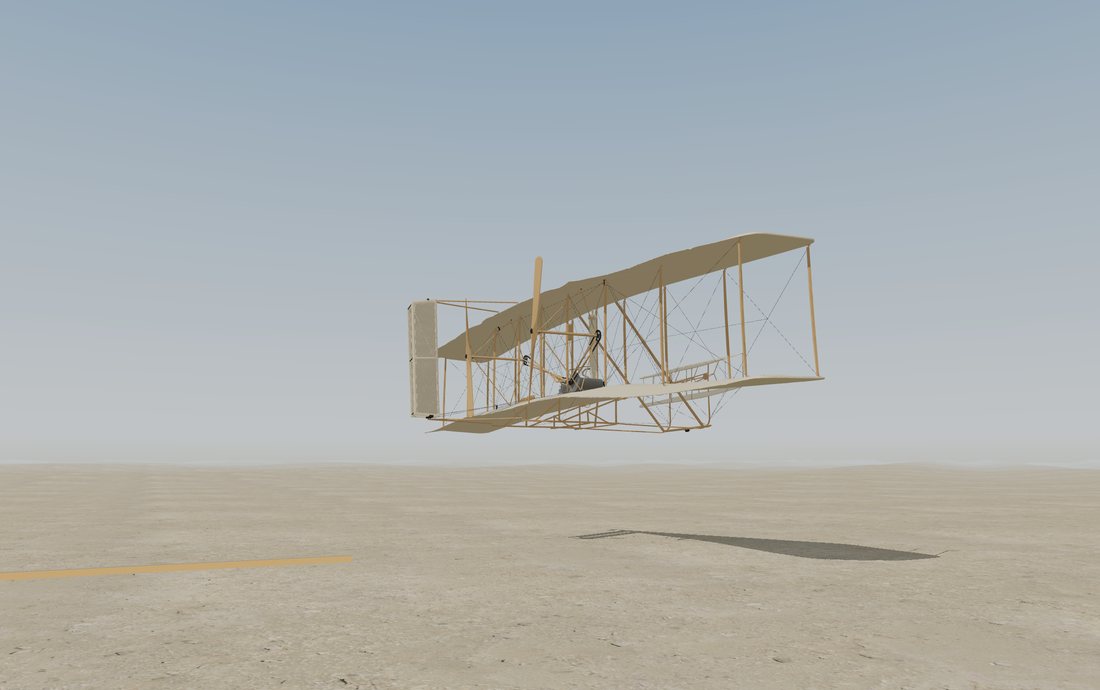
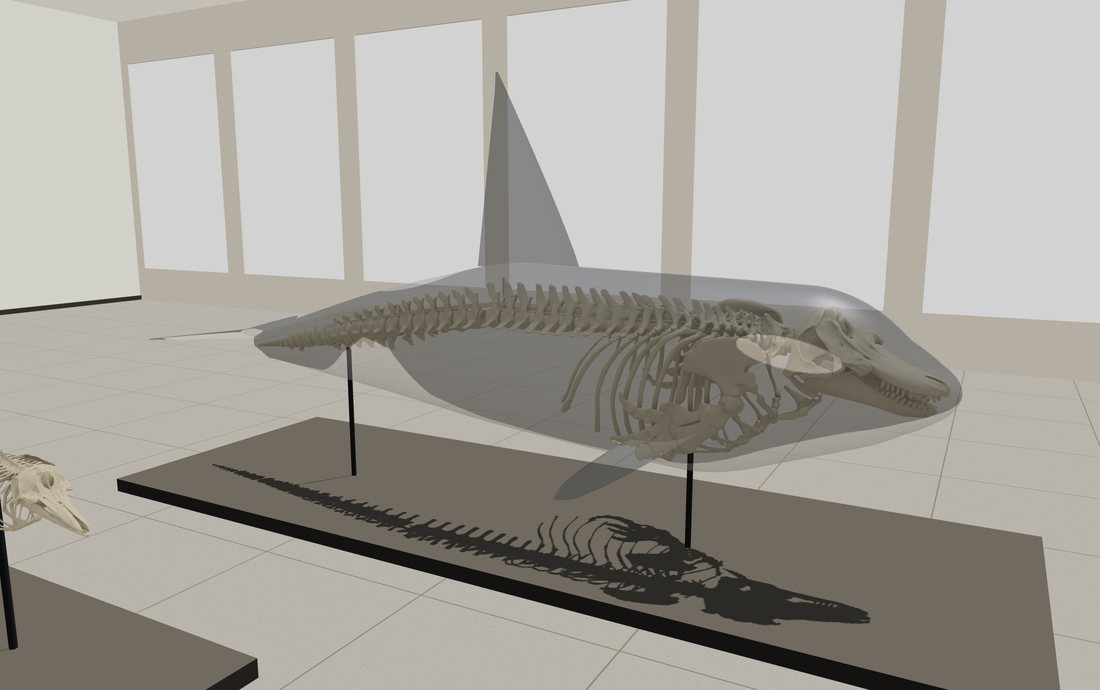
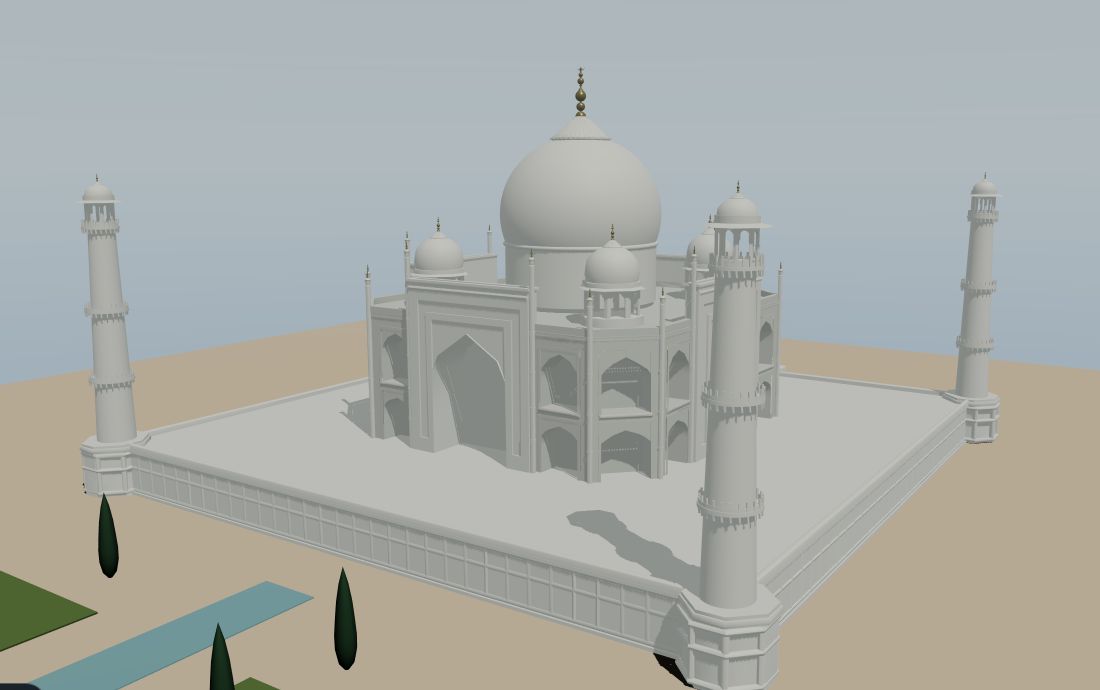
  • Explore with other visitors and talk to them (Space, Apollo 11, Wright Flyer, Orca, Taj Mahal and Machu Picchu)
  • No account needed

Pro Coming

  • An AI coach that listens and tells you what to improve
  • A guide you can ask questions out loud
  • Your progress saved between sessions

Open a subject in your headset

No app store and nothing to install.

  1. Open the browser. On Quest, it's the globe icon in your app library.
  2. Type the subject's address. For example vrtor.io/mpc for Machu Picchu. Bookmark it so next time is one click.
  3. Press Enter VR. Look around, and point with your controller at anything with a label.
  4. Using Communication? Allow the microphone when asked. The coach listens and gives feedback between takes.
  5. Want company? In Space, Apollo 11, Wright Flyer, Orca, Taj Mahal or Machu Picchu, choose Join others (or press B or Y on the controller) to appear to other visitors. Your mic stays off until you choose Talk, voices fade with distance, and you can mute anyone just for you.

Get told when a new subject opens

One email per new subject. Nothing else.